

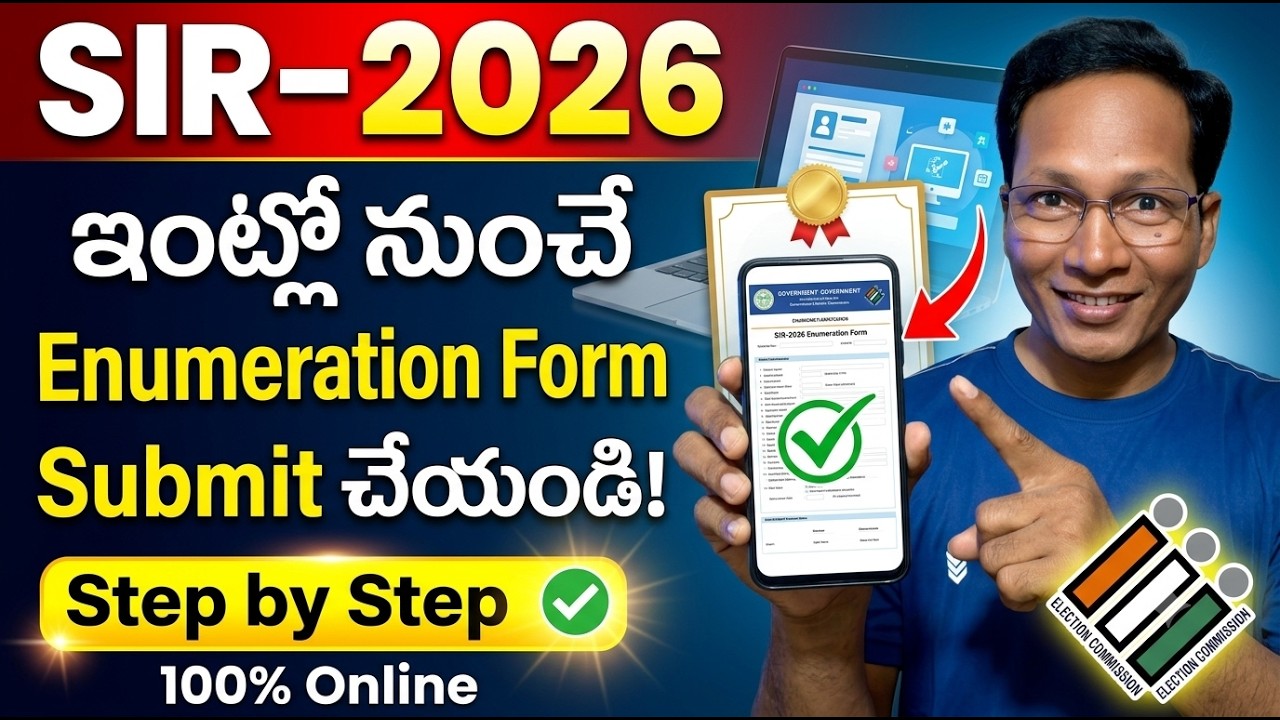
To submit your Enumeration Form online (e.g., during the Special Intensive Revision – SIR process), visit the official Voters’ Service Portal. Log in with your registered mobile number, select “Fill Enumeration Form”, verify your pre-filled electoral details, and authenticate using Aadhaar e-Sign before final submission
Before starting the online process, make sure you have:
- Your EPIC (Voter ID) number.
- An Aadhaar card with your name matching exactly with your Voter ID.
- A mobile number linked to your EPIC for OTP verification.
- Access to the internet for completing the e-sign process.
Having these ready will help avoid any delays during the form submission.
Step-by-Step Process to Fill SIR Form Online
The Special Intensive Revision (SIR) Enumeration Form allows electors to verify and update their voter details digitally through the Voter’s Service Portal. Follow the below steps carefully to fill the SIR Form online:
Step 1: Visit the Official Portal
Go to the official Election Commission of India website.
Click on “Fill Enumeration Form” under the SIR section.
Step 2: Log in and Select Your State
After logging in, select your State (e.g., Kerala) from the dropdown menu.
Step 3: Enter EPIC Number
Enter your EPIC number (Voter ID number) in the provided field and click on the Search button.
Once verified, your prefilled voter details will be displayed on the screen.
Important: The name on your EPIC must exactly match your Aadhaar name used for eSign verification.
Step 4: Verify Using OTP
An OTP will be sent to your mobile number linked with your EPIC. Enter the OTP to proceed.
If your mobile number is not linked, you must first fill Form 8 to update it.
Step 5: Choose the Appropriate Category
Select the category that applies to you:
- My name exists in the Electoral Roll of the last SIR.
- My parent’s name (Father, Mother, Grandfather, or Grandmother) exists in the last SIR.
- Neither my name nor my parent’s name exists in the electoral roll.
Step 6: Provide Relative Details (if required)
If your name is not listed in the last SIR, provide details of your relatives to establish linkage.
Step 7: Aadhaar Verification
Complete the Aadhaar verification process as prompted. Ensure your Aadhaar details are accurate and linked for eSign authentication.
Step 8: Review and Submit the Form
Preview the filled SIR form carefully before submission.
Tick the Declaration checkbox and click on Submit to complete the process.
Note: The form can only be submitted using eSign. Electors who do not meet the above criteria must submit the form through their Booth Level Officer (BLO).
Click Here: Voters’ Service Portal.